Skip to content
DocSave
EN
Coming soon

Sound familiar?

We built DocSave for exactly these moments. Now each one takes a minute, right on your phone.

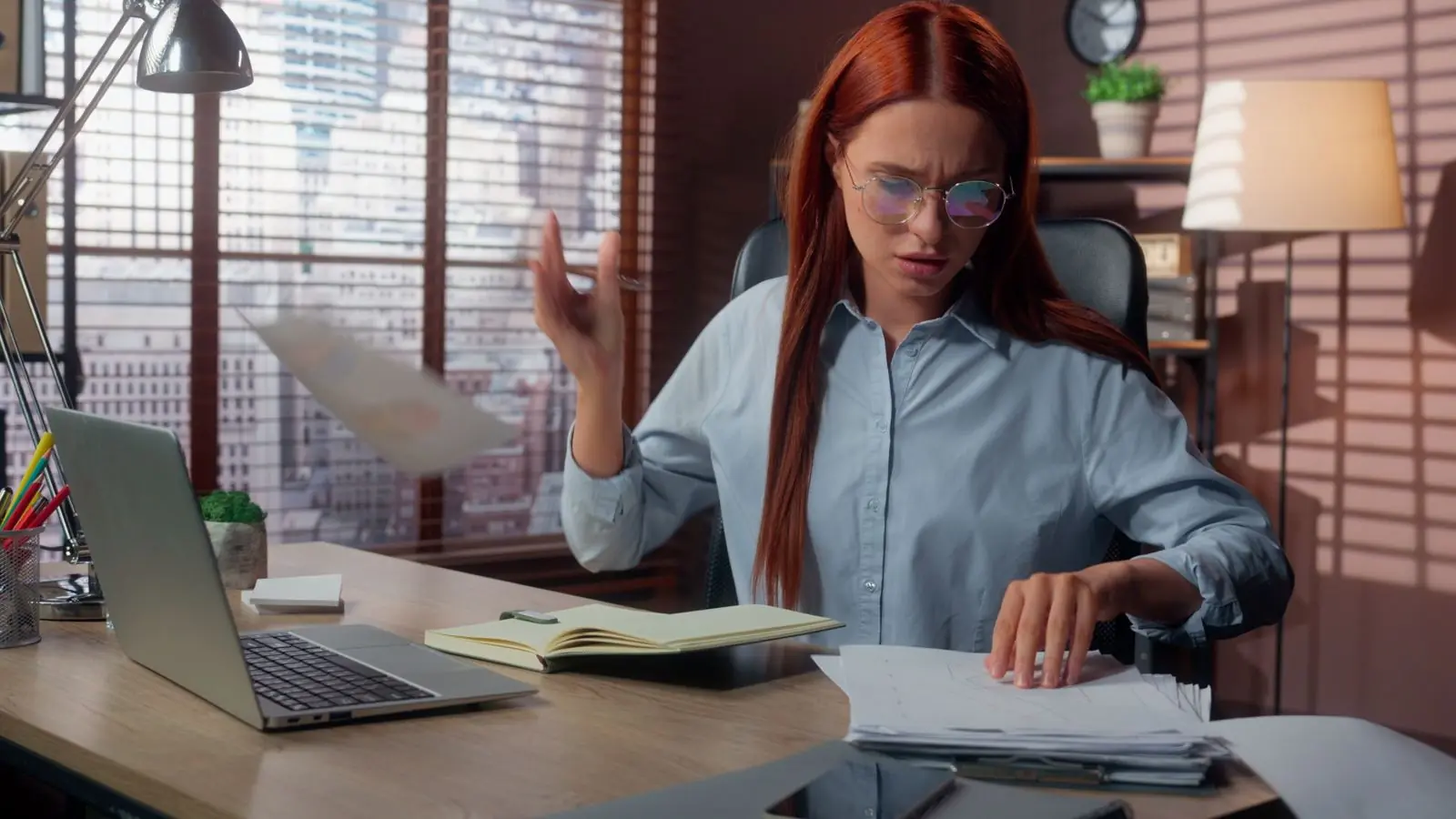
A woman at a desk going through a pile of papers, unable to find the one she needs

The lease is somewhere. In your email? Your camera roll? The kitchen drawer?

Everything sorted into folders

Folders with colors and icons, like in the Files app. Drag a document onto a folder and it’s there. Tap around the folders on the phone to the right.

  • Ready-made folders: personal, home, car, health, finance
  • Your own folders, nested up to three levels deep
  • Recent documents always at the top
  • Favorites for the things you need most

Documents

RecentsClear
Folders+

“Can I get your driver’s license number?” And your license is out in the car.

License, passport, Social Security card. All on your phone

Take a photo of the document and DocSave sorts it into a card, field by field. Right on your iPhone, no internet needed. Your license number, passport number or SSN copies with one tap.

Driver’s licenseReading…
Read on your iPhone, no internet
Besides your license, DocSave reads
  • US passport
  • Passport card
  • State ID
  • Social Security card
  • ITIN
  • Green Card
  • UK passport
  • UK driving licence
  • National Insurance number
  • NHS number
  • UTR
  • BRP / eVisa
  • Visas
  • Birth certificate
  • Bank cards
  • Any document of your own

Plus ID cards, licenses and insurance cards from other countries: Germany, France, Spain, Italy, Turkey, the UAE, Kazakhstan, Russia, Korea, Japan, Brazil and Portugal.

Sample: the data is fictional, the photo is stock. Tap the license to scan it again.

Typing a 12-digit account number from a paper bill into your bank app. And getting one digit wrong.

Copy any text from a photo

A scan, a photo from your library, a screenshot or a PDF. Select the line you need with your finger or copy everything at once. DocSave pulls out account numbers, amounts, phone numbers and emails for you.

Bright Fix Plumbing LLC2150 Oak Avenue, Suite 3, Austin, TX 78704Phone (512) 555-0142, billing@brightfix.example
EIN 74-1234567Sales tax permit 32012345678
Account no. 485122097731
Routing (ABA) 113093522Lone Star Community Bank

Invoice #218, November 3, 2026

Bill to: Emily R. Carter

DescriptionQtyAmount
Kitchen faucet replacement1$180.00
Plumber labor2 hrs$240.00
Total due$420.00

Payment due by November 10, 2026. Please include the invoice number with your payment.

OwnerJohnson
Tap the text icon
Details from the document
ClipboardEmpty for now. Select a line in the photo or tap Copy.

Sample: the business and its details are fictional. Select text in the photo with your mouse or finger.

A contract just landed in your inbox for signing. No printer, no scanner.

Sign right on your phone

DocSave finds where to sign on its own. Tap the field, sign with your finger, and it adds the date and checks the box for you. Try it on the agreement below.

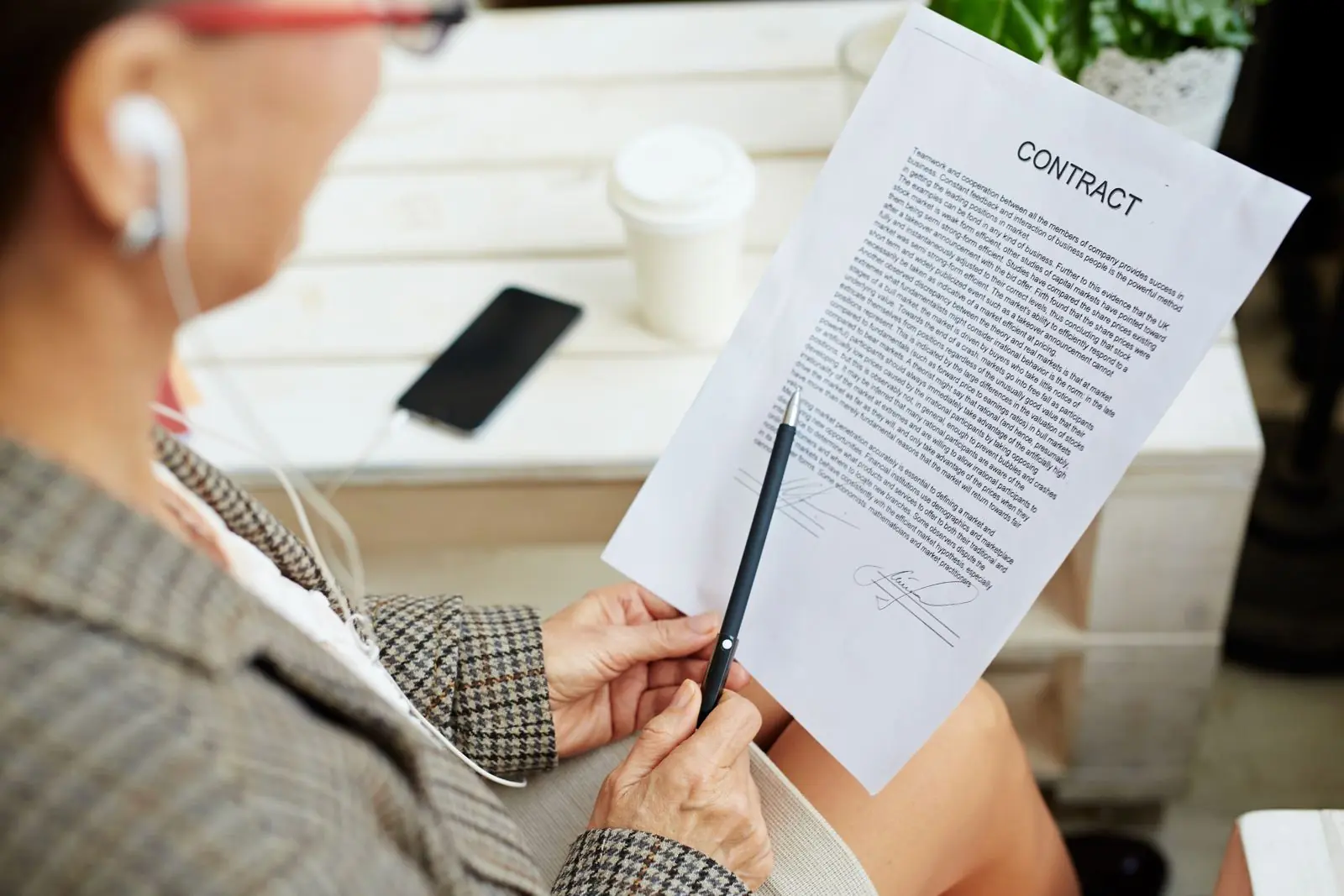
Hands holding a pen over a printed, signed contract
Before: find a printer, print, sign, scan, send. With DocSave it takes a minute.
  1. Fields foundSignature, date, agreement to the terms
  2. SignWith your finger or mouse in the signature box
  3. DoneThe signed copy sits next to the original
AGREEMENT #31for design services
Austin, TXNovember 5, 2026

This Services Agreement is made between Daniel Brooks, doing business as Brooks Design Studio (“Contractor”), and Emily R. Carter (“Client”), who agree as follows.

1. Scope of work

1.1. Contractor will design a mobile app as described in Exhibit A, and Client will review, accept and pay for the work.

1.2. The work will be completed within 30 (thirty) calendar days of the date this agreement is signed.

2. Fees and payment

2.1. The total fee is $4,800 (four thousand eight hundred dollars). No sales tax applies.

2.2. Client will pay within 5 (five) business days after accepting the work.

I have read and agree to the terms of this agreement
ContractorDaniel BrooksEIN 82-4417305
Brooks
ClientEmily R. CarterDriver’s license 08429173
PDF
Agreement_31_signed.pdfSaved next to the original

This is a handwritten signature on a PDF, just like on paper. It isn’t a certificate-based digital signature, so it won’t replace one where that’s required.

“Attachment size exceeds the limit.” Twelve scanned pages come to 48 MB.

Shrink the PDF and the email goes through

DocSave compresses the page images and leaves the text alone. Letters stay crisp and you can still search the file. Pick a mode and see what happens to the email.

New message
Tohr@harbordesignco.com
SubjectOnboarding documents
Hi, attached are the scanned documents for my contract. Thanks, Emily
PDF
Scanned_documents.pdf48.2 MB
Won’t fit

Your mail accepts attachments up to 25 MB. This email won’t send.

Compress PDF12 pages
Before48.2 MB
After, about7.7 MB

Sizes are an example: a 12-page color scan. Real results depend on the original file.

Your car insurance ran out yesterday. You heard it from a police officer.

Reminders before it’s too late, not after

DocSave finds the expiration date on the document by itself. Then it reminds you a month ahead, a week ahead and on the last day.

10:00
Tuesday, November 10
DocSavenow
Car insuranceExpires in 7 days, on November 17. Good time to renew.
  1. 30 days beforeFirst reminder: a month to renew
  2. 7 days beforeOne week left
  3. On the last dayThe policy is valid until the end of the day

Everything runs on your phone. Even in airplane mode.

DocSave has no server and no accounts. Scanning, text recognition, search, signing and compression all happen on your iPhone. Your license, contracts and insurance cards stay put.

0 bytesof your documents go online. We have nowhere to receive them.
Airplane mode
  • Page straightened and readon iPhone
  • License fields readon iPhone
  • Search found “deposit”on iPhone
  • Agreement signedon iPhone
  • PDF compressed to 7.7 MBon iPhone
No cloud, no account
Files live in the app’s protected folder on your iPhone. No sign-up needed.
Face ID or passcode
Only you can open the app. Its contents are hidden when you switch away.
On-device recognition
Text, ID fields and dates are read by a model on the iPhone itself.
Password-protected backup
An encrypted archive of your library is saved to iCloud Drive or your device. Without the password nobody can open it, not even us.

Questions

How much does DocSave cost?

Nothing. Everything is free: scanning, text recognition, search, signing, compression, reminders and backups. No subscription, no ads, no paid features.

When is DocSave coming out, and what does it run on?

DocSave is coming soon to the App Store. It runs on iPhone with iOS 18.6 or later and is free.

Do I need an internet connection?

No. Scanning, text recognition, search, signing and compression all work offline.

What happens if I lose my phone?

Turn on automatic backup and an encrypted archive is kept in your iCloud Drive. On a new iPhone, install DocSave and restore everything with your backup password. Without a backup your documents can’t be recovered, because we simply don’t have them.

How do I move my documents to a new iPhone?

Save a backup to iCloud Drive or the Files app, then restore it on the new iPhone.

Is a DocSave signature legally binding in the US?

DocSave places an image of your handwritten signature on the PDF, the same as printing, signing and scanning it. In the US, the ESIGN Act and UETA generally allow electronic signatures on most contracts, but some documents, such as wills or papers that need a notary, have stricter rules. DocSave does not add a certificate-based digital signature or verify your identity, so if the other party requires that, use the e-signature service they specify.

Which documents can DocSave read?

It reads text from any scan or photo. It sorts into fields US driver’s licenses and state IDs, US passports and passport cards, Social Security cards, ITINs and Green Cards. From the UK: passports, DVLA driving licences, National Insurance numbers, NHS numbers, UTRs and BRP / eVisa details. It also handles visas, birth certificates, bank cards and documents from Germany, France, Spain, Italy, Turkey, the UAE, Kazakhstan, Russia, Korea, Japan, Brazil and Portugal. On insurance cards and other documents it finds the expiration date.

Can DocSave read my driver’s license?

Yes. Take a photo of the front and DocSave reads your name, date of birth, address, license class, expiration date and license number into a card with copy buttons. It all happens on your iPhone, and nothing is uploaded. DocSave keeps a copy for your reference; it is not an official mobile driver’s license and doesn’t replace the physical card.

Does DocSave work with UK documents?

Yes. DocSave reads UK passports, DVLA driving licences, National Insurance numbers, NHS numbers, UTRs and BRP / eVisa details, and finds expiry dates on them. Text recognition and search work with any English document.

Can I add files, not just scans?

Of course: PDFs and images from the Files app, photos from your library, and documents from other apps through the Share menu.

Paperwork on your phone, peace of mind in your head

DocSave is coming soon to the App Store. It’s completely free: no subscription, no ads, no paid features. You’ll scan your first document in under a minute.

Coming soon to the App Store